


Your thoughts, uninterrupted.
Unnote is a place for quick thoughts, temporary reminders, links, and small snippets before they disappear. It opens fast, saves automatically, and stays out of your way so capturing an idea takes only a few seconds.
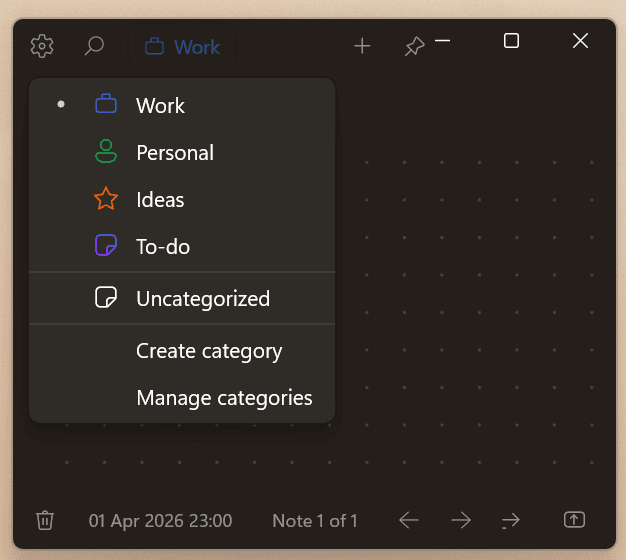
Unnote is a modern note app for people who want clarity, speed, and control. Open it and start writing right away. No clutter. No noise. Just a clean space for thoughts, checklists, and quick capture.
Fast. Secure. Companion.
Unnote works best as a quiet writing assistant: always close, never in the way, and ready to catch the next thought before it disappears.
Fast
Open quickly, type immediately, and capture a thought before it slips away.
Secure
Local-first storage, local OCR, and optional diagnostics controls keep you in charge.
Companion
Unnote is a scratchpad helper for your real workflow, not a bloated replacement for your main notes system.
“Write first. Organize later.”
“Your ideas deserve a quieter place.”
“Fast enough for a passing thought. Calm enough for deep focus.”
“Local by default. Private by design.”
“A note app that stays out of your way.”
Why Unnote
Instant Capture
Launch Unnote and start typing immediately. Perfect for quick thoughts, reminders, and everyday notes.
Focused by Design
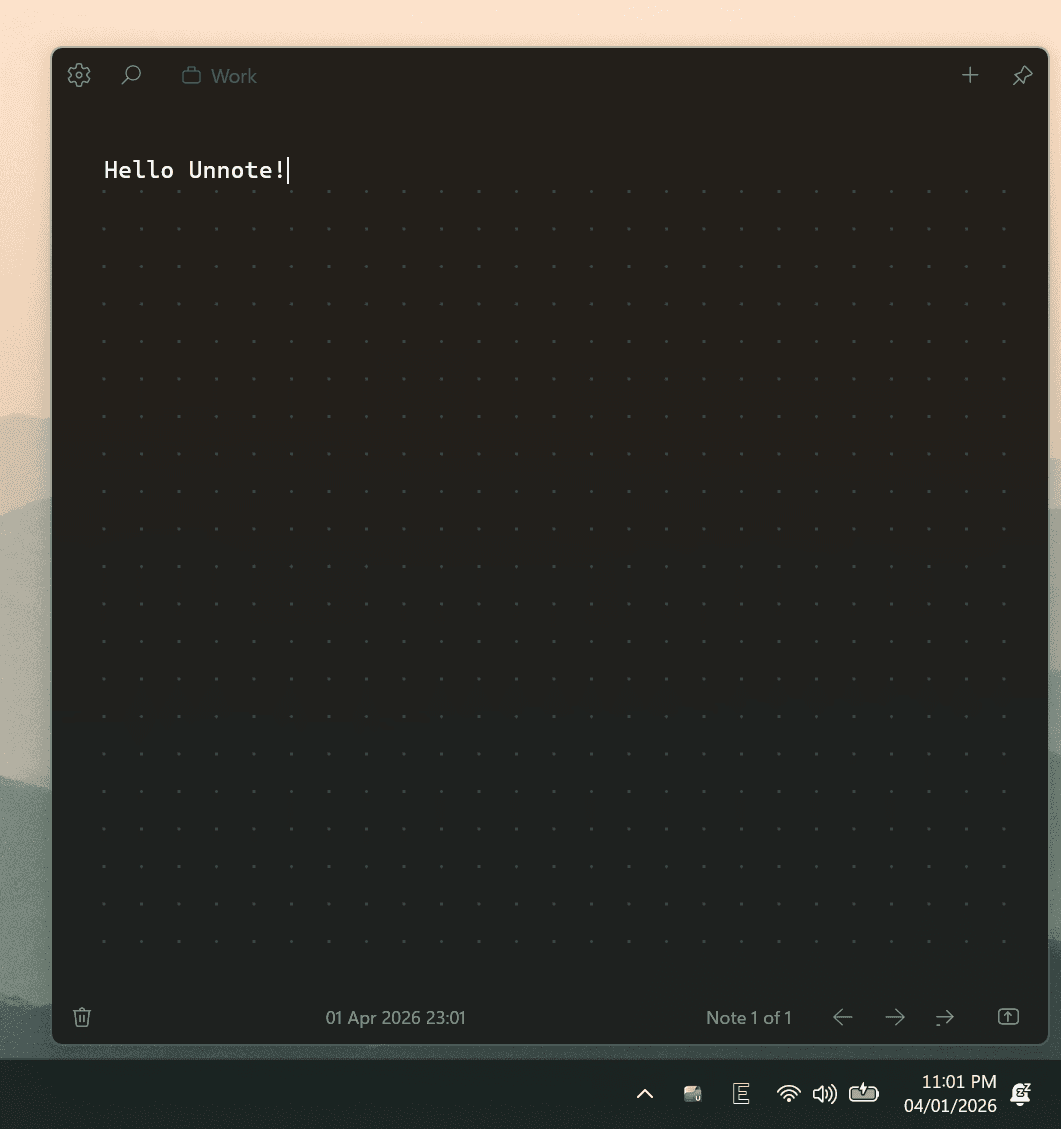
A clean writing experience with minimal distractions, subtle controls, and optional compact view for a more immersive surface.
Organized Your Way
Keep notes simple or sort them with categories, filters, search, and flexible note browsing.
More Than Plain Notes
Switch between text notes and checklist notes depending on how you think and work.
Personal on Windows
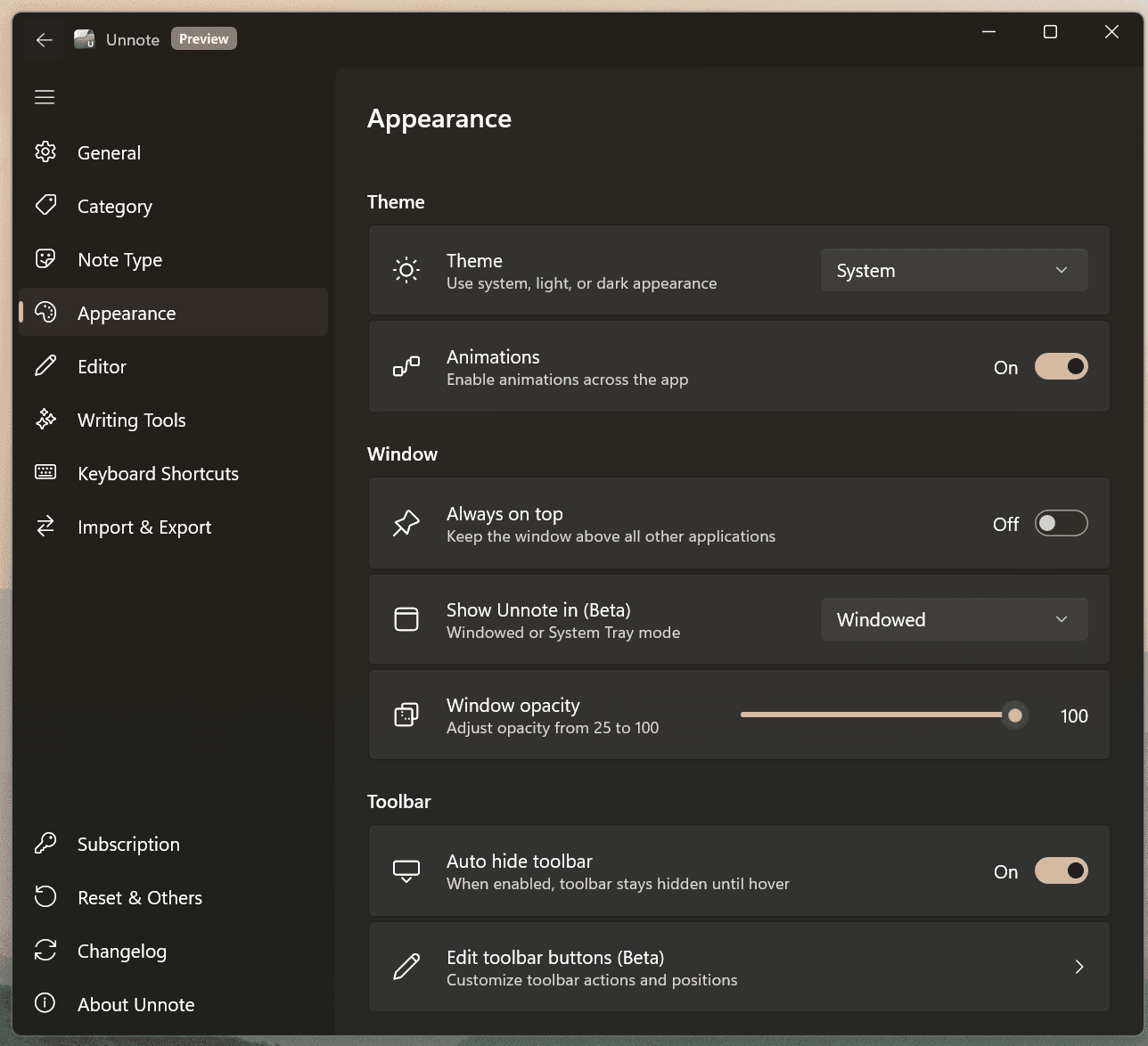
Customize theme, font, paper style, spacing, opacity, window mode, shortcuts, and more.
Less friction. More flow.
Unnote keeps the writing surface simple while giving you the practical tools that matter when an idea arrives fast.
Capture Ideas the Moment They Happen
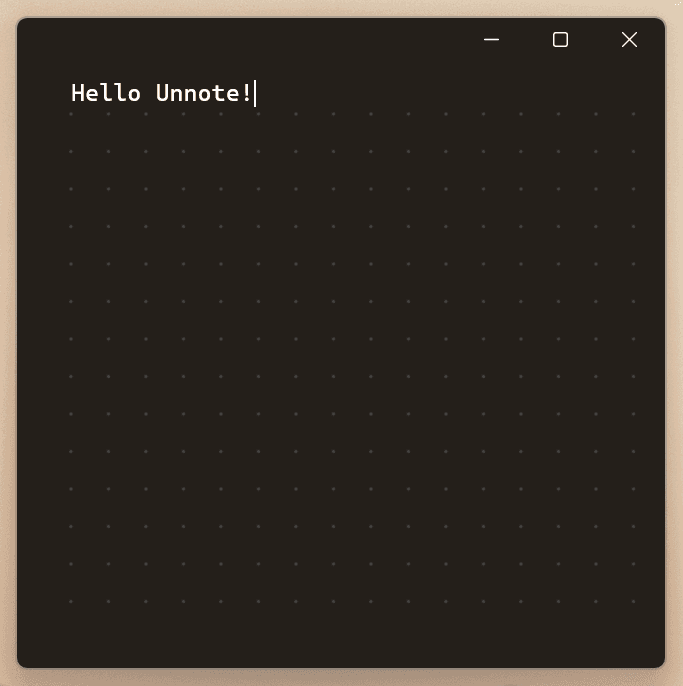
Unnote opens into a clean writing surface so you can focus on the thought, not the interface. Whether it’s a sentence, a plan, or a reminder, it’s ready when you are.
Simple When You Need It. Powerful When You Want It.
Stay minimal, or go deeper with categories, search, custom shortcuts, note list views, and checklist support. Unnote grows with your workflow without overwhelming it.
A Writing Surface That Feels Like Yours
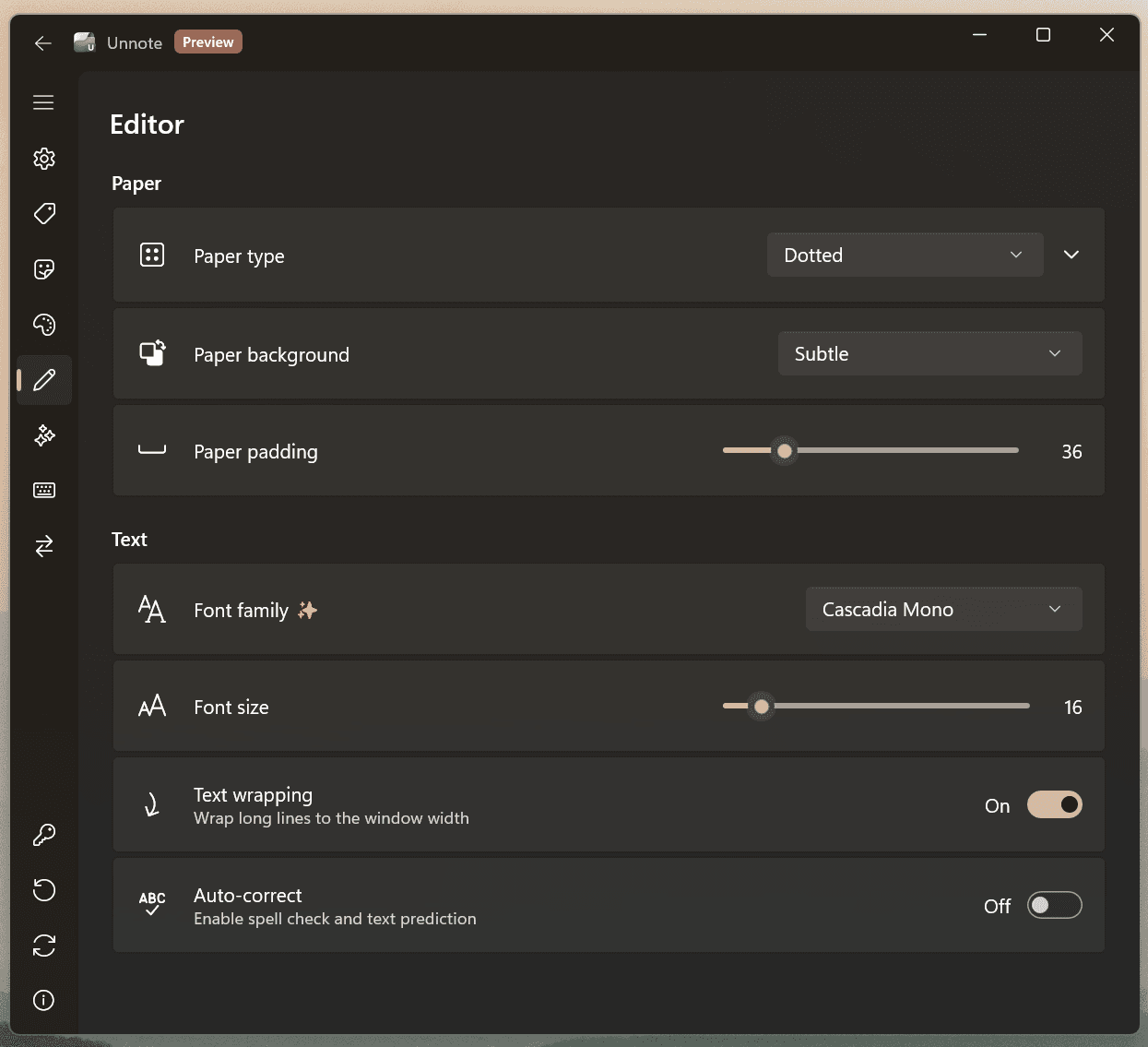
Choose your theme, typography, paper style, spacing, and layout preferences. From subtle lined paper to a bold visual backdrop, every detail can feel more personal.
Private by Default
Your notes are stored locally on your device. OCR runs locally too. You stay in control of your data and how the app behaves.
Features
Go further with Unnote Pioneer.
Start with the essentials for quick capture, then move to Pioneer when you want deeper control, richer exports, and more capable writing tools in the same calm app.
| Why upgrade to Pioneer | Free | Pioneer |
|---|---|---|
Quick capture fundamentals The core Unnote experience is ready from the start. | Text notes, checklists, autosave, and fast navigation | Everything in Free |
Ad-free writing Both plans keep the experience clean and focused. | Included | Included |
Export options that travel better Share notes in formats that are easier to keep, print, and send. | Plain text export | RTF and PDF export |
A writing surface that feels more personal Shape the editor to match your workflow instead of staying locked to one look. | Cascadia Mono and blank paper | Custom fonts plus blank, lined, dotted, and squared paper |
More ways to keep Unnote nearby Choose the presence that fits how visible or minimal you want the app to be. | Windowed mode | Switch window modes and visibility modes |
Windows Hello app lock Protect quick notes without adding more friction than necessary. | Not included | Lock, unlock, and re-auth timing controls |
Advanced writing help Move faster when beta features are enabled and supported on your device. | Not included | Writing Tools, auto bullet, smart paste, and image-to-text support |
Unnote is for the notes that matter right now. Quick thoughts. Daily lists. Quiet ideas. All in one focused space, built for Windows.